Restaurant Website Demo with Menu & Booking
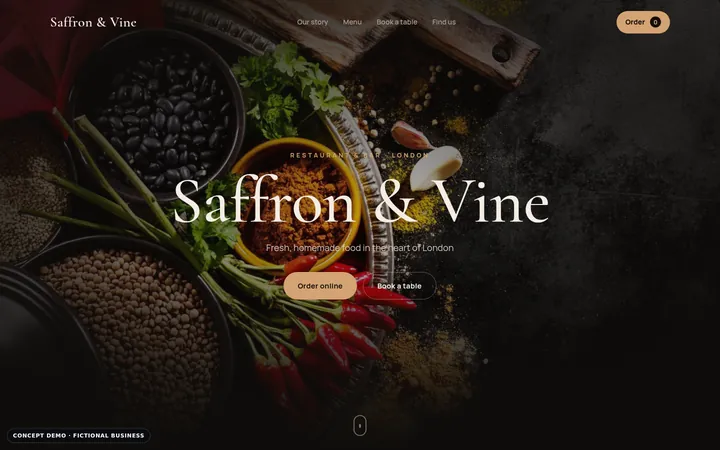
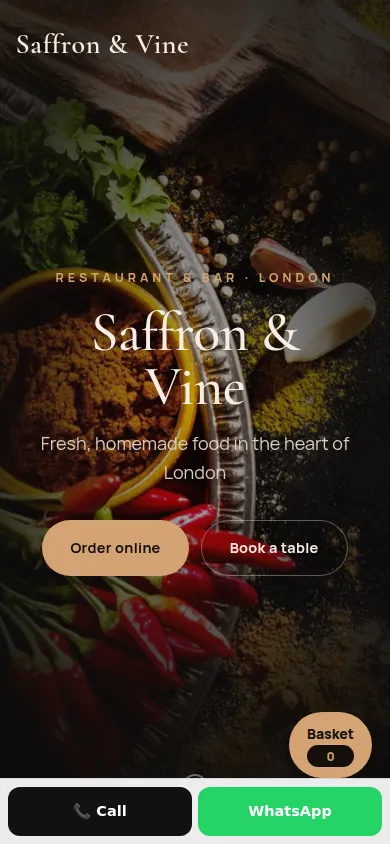
An editorial restaurant site with a readable menu, a table-booking panel and an order basket — designed for the phone first.
- Menu & ordering
- Online booking
- Video showcase
1 live example
Restaurant visitors want three things: the menu, a table and directions. These concepts put a readable menu, a booking interface and an order basket within one scroll — designed mobile-first because that is where most restaurant searches happen.

An editorial restaurant site with a readable menu, a table-booking panel and an order basket — designed for the phone first.
Checklist
Practical, industry-specific essentials — each one is demonstrated in the live examples above.
HTML menus are readable on phones and can be found by search engines.
Date, time and party size — keep it short, or link straight to the booking system you use.
If you offer it, make it obvious; if you use a platform, link to it clearly.
The most-checked information on any restaurant site.
Mark vegetarian, vegan and allergen information clearly and keep it up to date.
The room matters as much as the food when people choose where to go.
FAQ
A readable HTML menu, booking and ordering options, opening hours, address and map, dietary information and photographs of the food and the room.
PDF menus are awkward on phones and harder for search engines to read. A text menu organised by course is easier to use and to keep current.
A booking option on your own site keeps the customer relationship direct; many restaurants embed or link to their existing booking system.